Coming soon Free on Google Play, with paid addons
Garden Planning App

PlantPlotter

Plan your garden. Track your plants.
Watch things grow.

PlantPlotter is a free app with paid addons for Android. Build your garden, document what you have growing and where, and build a detailed history of your produce.

Coming soon to Google Play
Maybe down the road App Store

The same garden, twice

Drag to see it as the app does
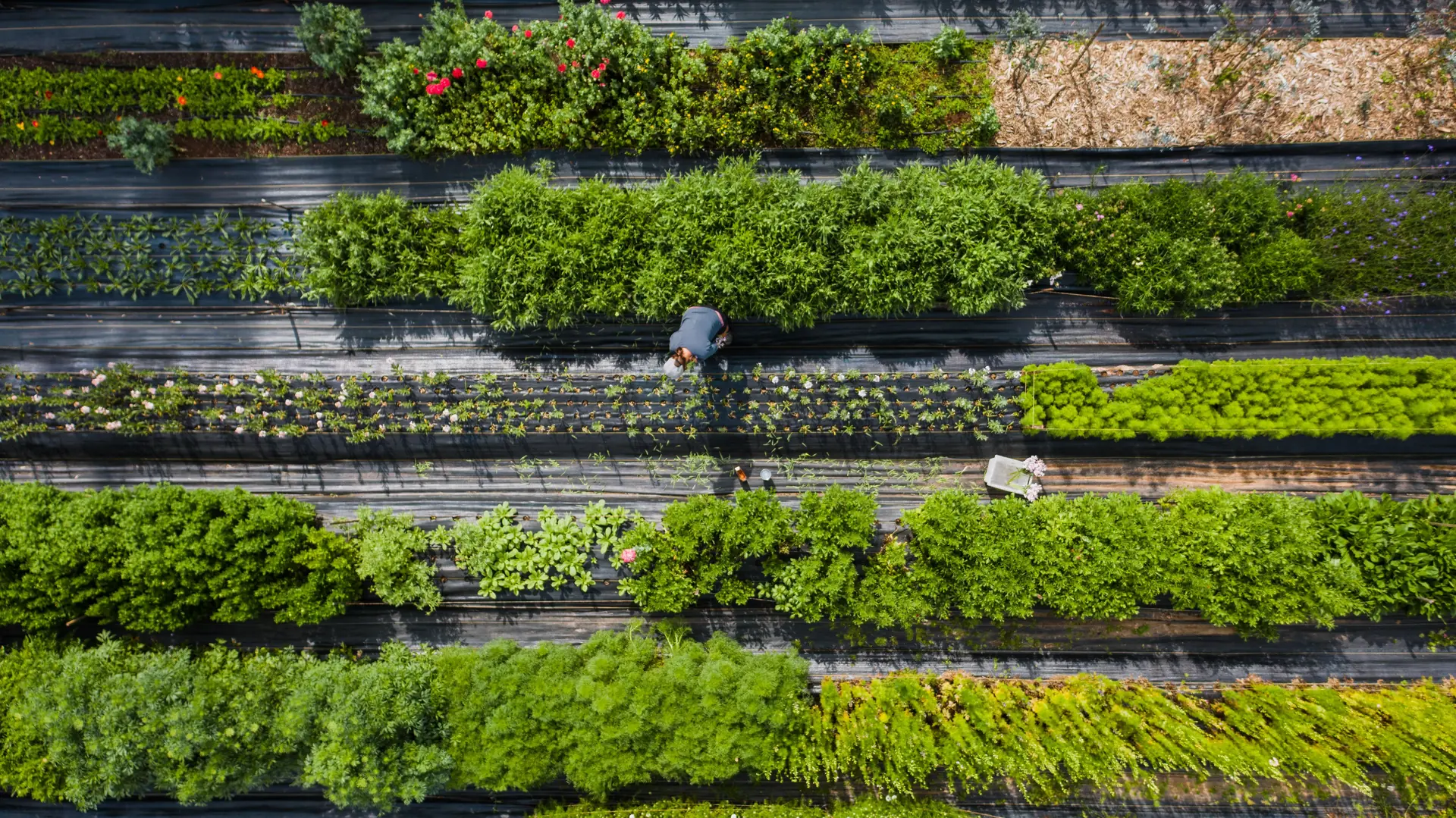
Aerial view of a vegetable garden planted in long parallel rows.

Beds keep their real dimensions and position, so what you see on screen matches what you walk out to.

Features

Free to plan. Paid when you want more.

🌿
Design your beds

Build beds in six shapes — rectangle, square, circle, L, U or triangle — and arrange them on a canvas that mirrors your real garden.

🌱
Know what is where

Place plants into beds by quantity, rows and spacing, then see at a glance what is growing where and how far along it is towards maturity.

🍅
Record every harvest

Log what you pick with quantity, date and notes. Each season builds a history you can actually look back on when planning the next one.

📖
Plant catalogue
Paid addon

150+ verified varieties, searchable by common, Latin or regional name. Filter by sowing month, soil type and climate zone to see only what suits your garden.

🧭
Growing guidance
Paid addon

Sowing windows, spacing, days to maturity, sun and water needs, soil pH, pests to watch for — and which plants make good or bad neighbours.

☁️
Backup and sync
Paid addon

Keep your garden backed up to the cloud and in step across devices. Everything still works offline — syncing happens when you are back online.

The free app is genuinely usable on its own — beds, planting and harvest records need no account and stay on your device. The paid addons add the plant catalogue, growing guidance and cloud backup.

Up and growing in minutes

Screenshot coming soon
1
Add your beds

Create beds in any shape and arrange them on your garden canvas.

Screenshot coming soon
2
Plant your crops

Log what you're growing in each bed and set your planting dates.

Screenshot coming soon
3
Track your harvest

Record harvests, rate your yields, and build a seasonal growing history.